Where is my data stored?
Exclusively on your device, in a local database. Zählwerk has no server. With the backup function you can export everything — database and proof photos — as a zip file at any time.
Do I need an account?
No. There isn't one. Install the app, add your first meter, get going.
Does photo recognition work with old mechanical meters too?
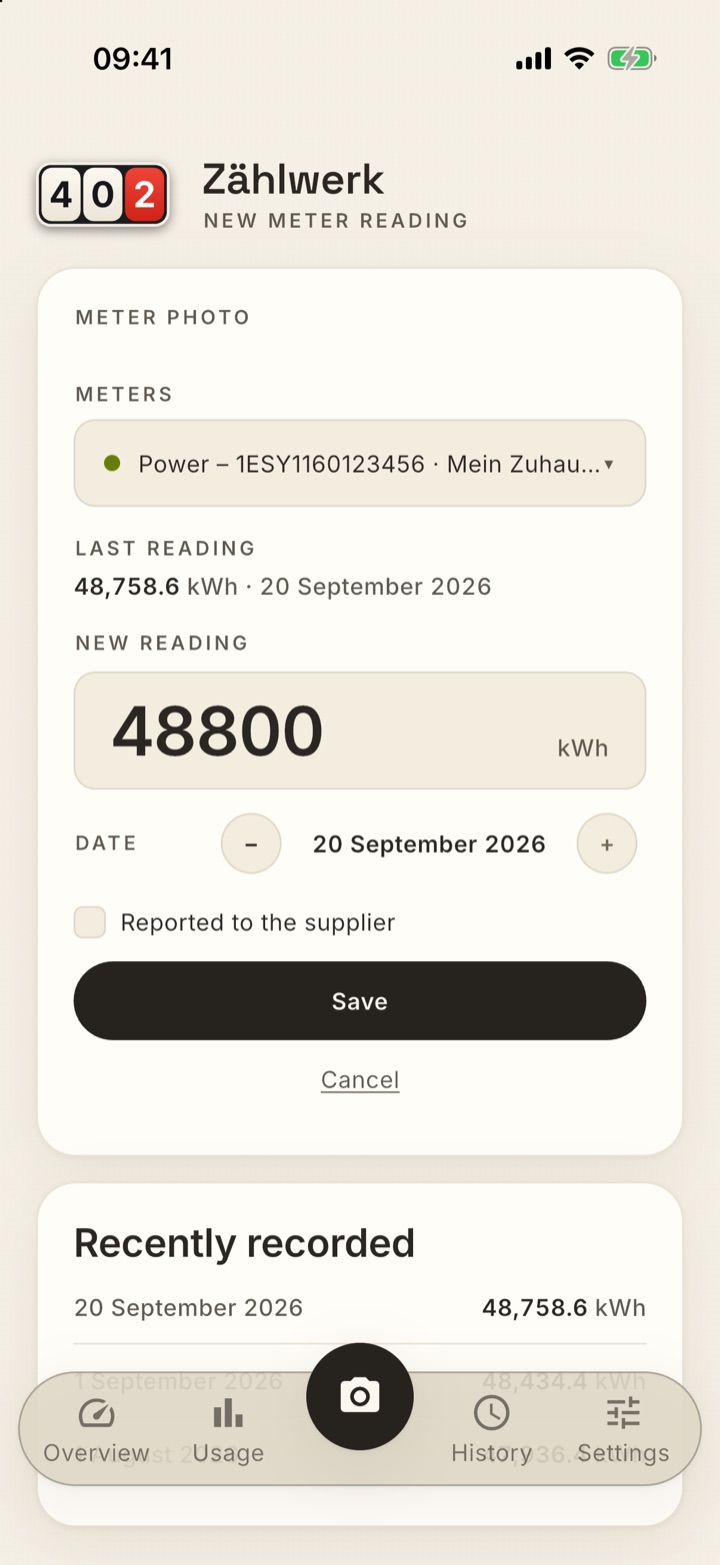
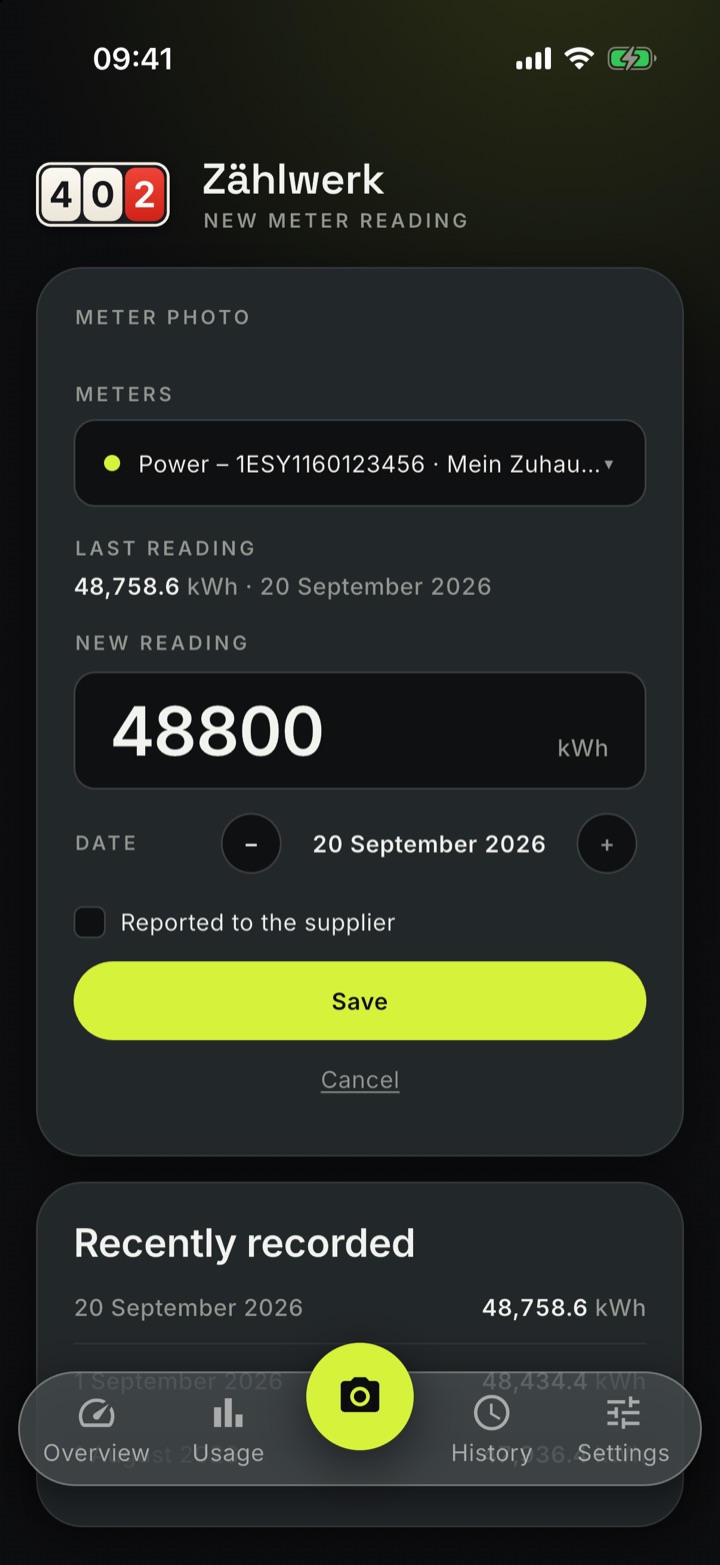
Yes — the recognition is built for drum counters, knows decimal drums and checks every recognised value against the last known reading. If a photo cannot be read, you simply type the reading in; the photo is still saved as proof.
Does the photo leave my device?
For recognition, yes — only this one photo, triggered by you. By default it goes to Zählwerk recognition and is discarded afterwards. Alternatively you enter your own API key for Gemini, Mistral or OpenAI, or you use an Ollama model on your home network — then even the photo stays at home.
How reliable is the forecast?
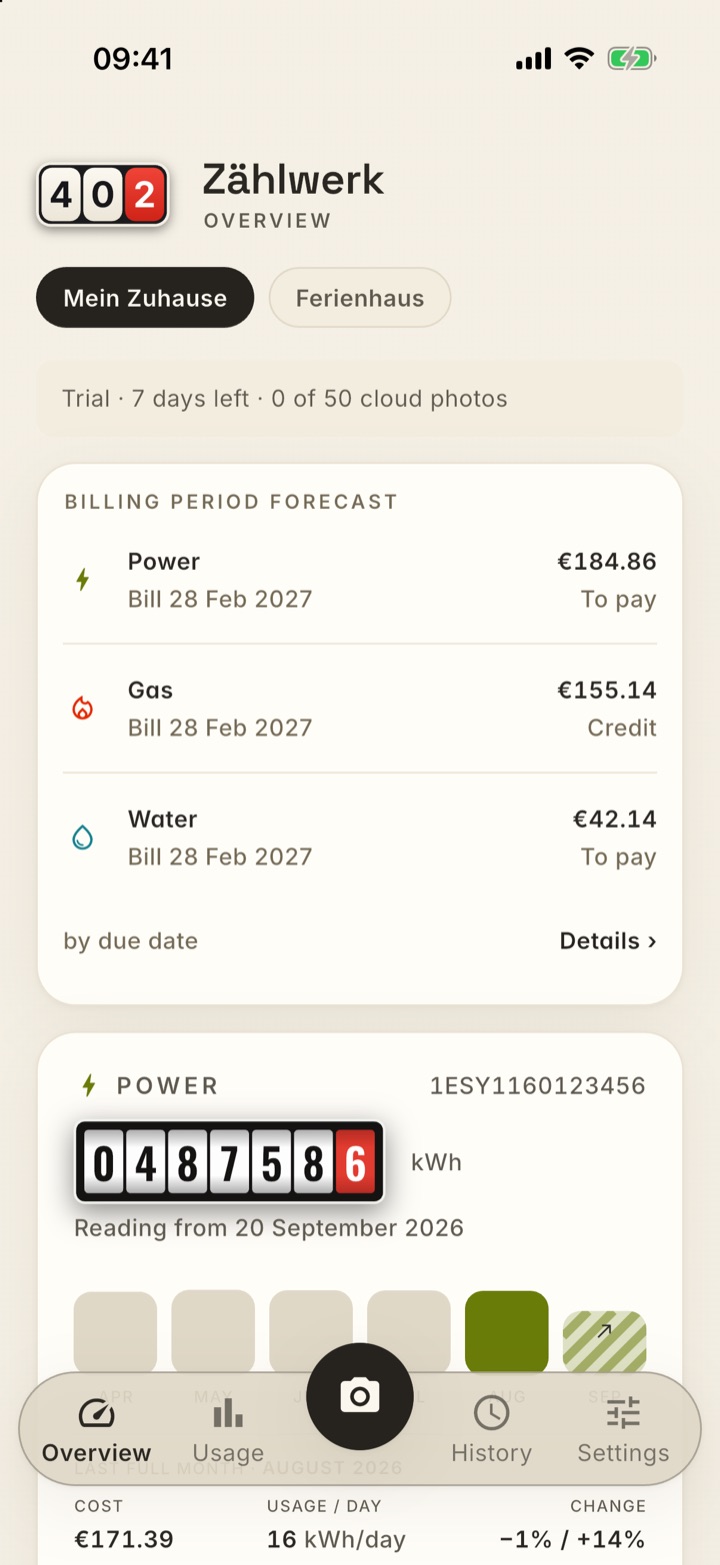
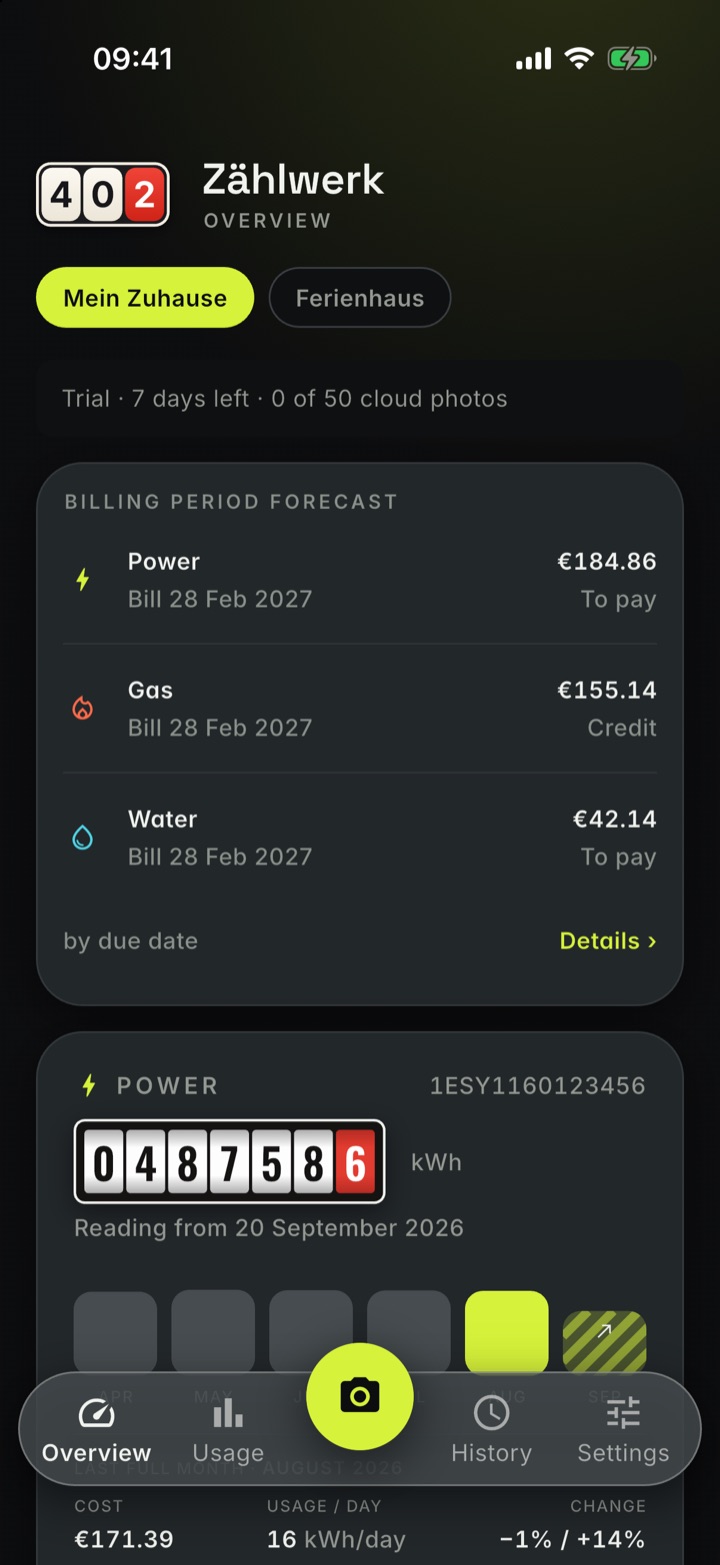
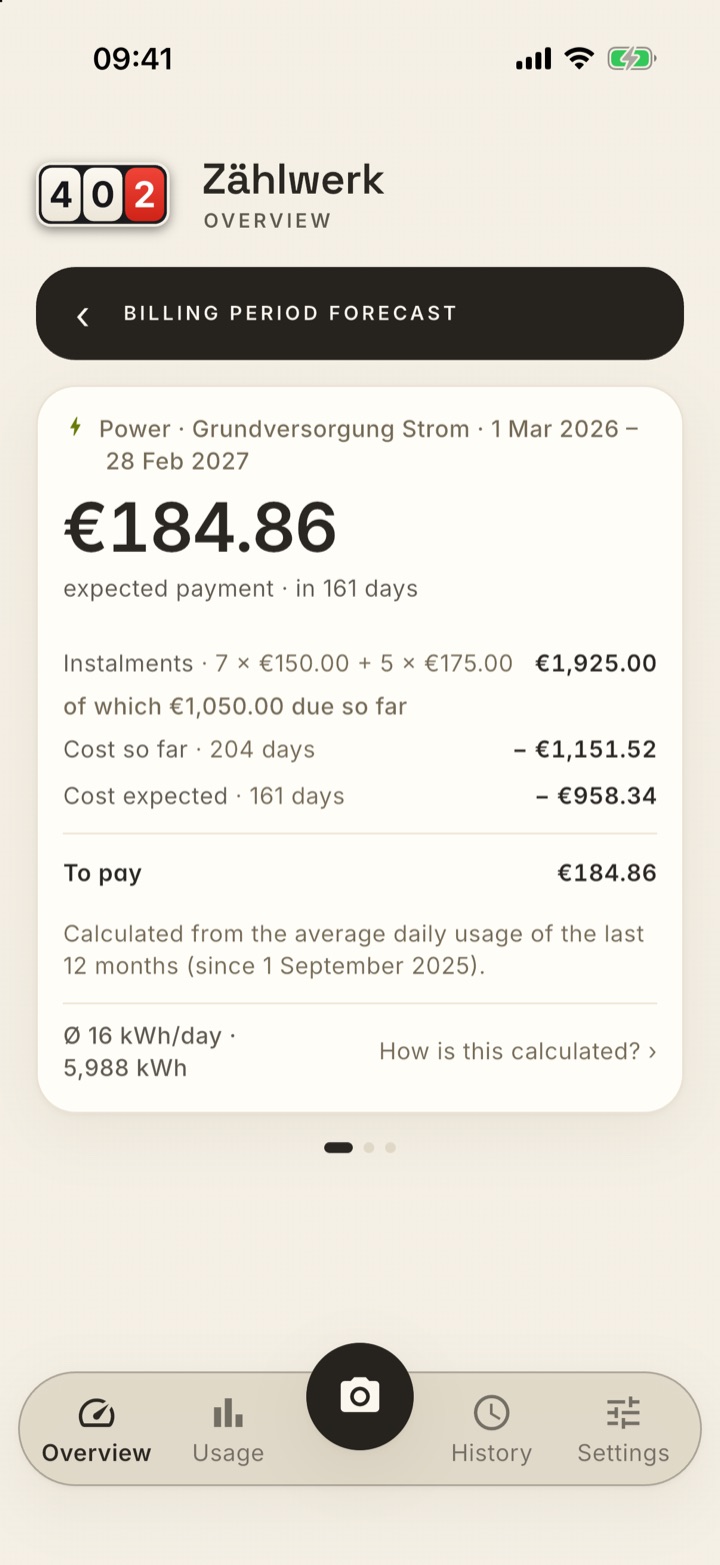
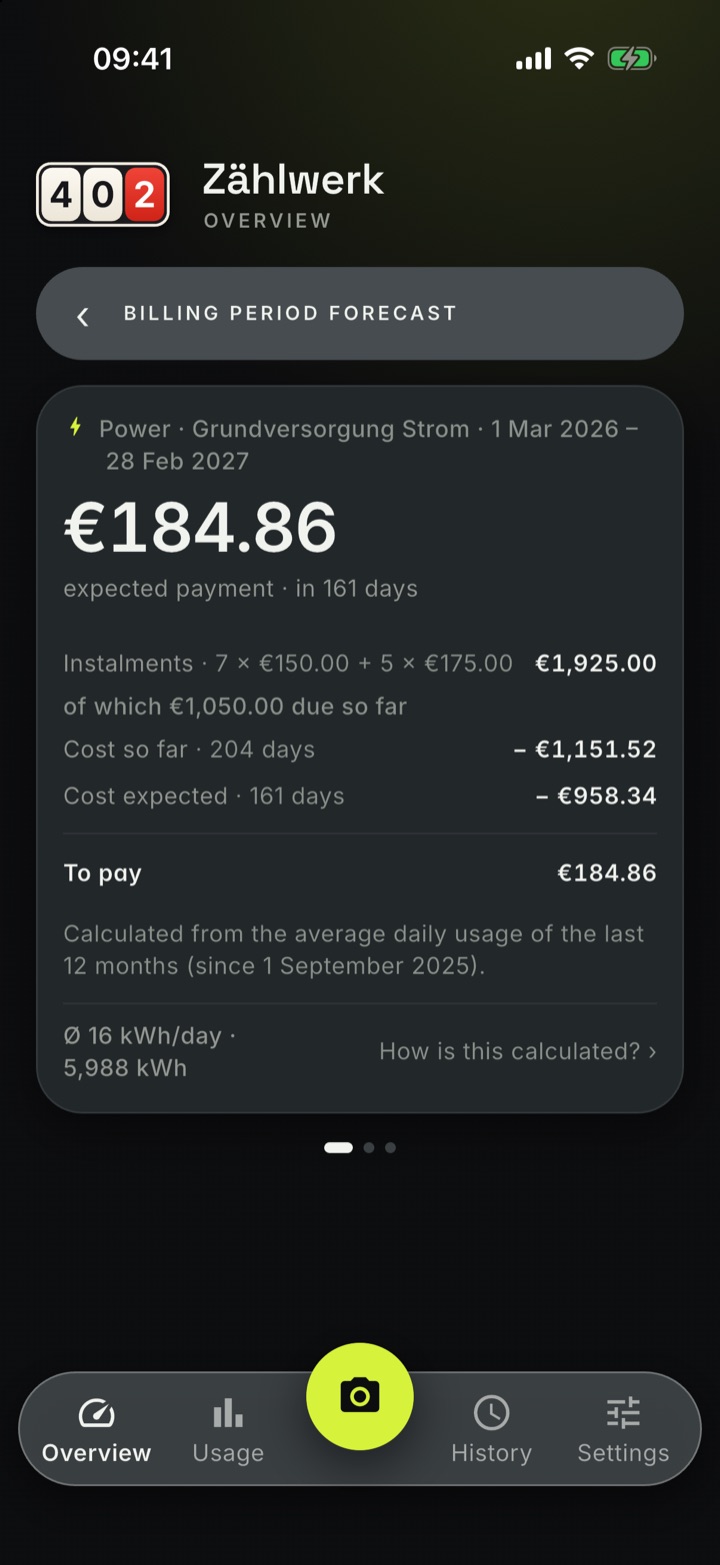
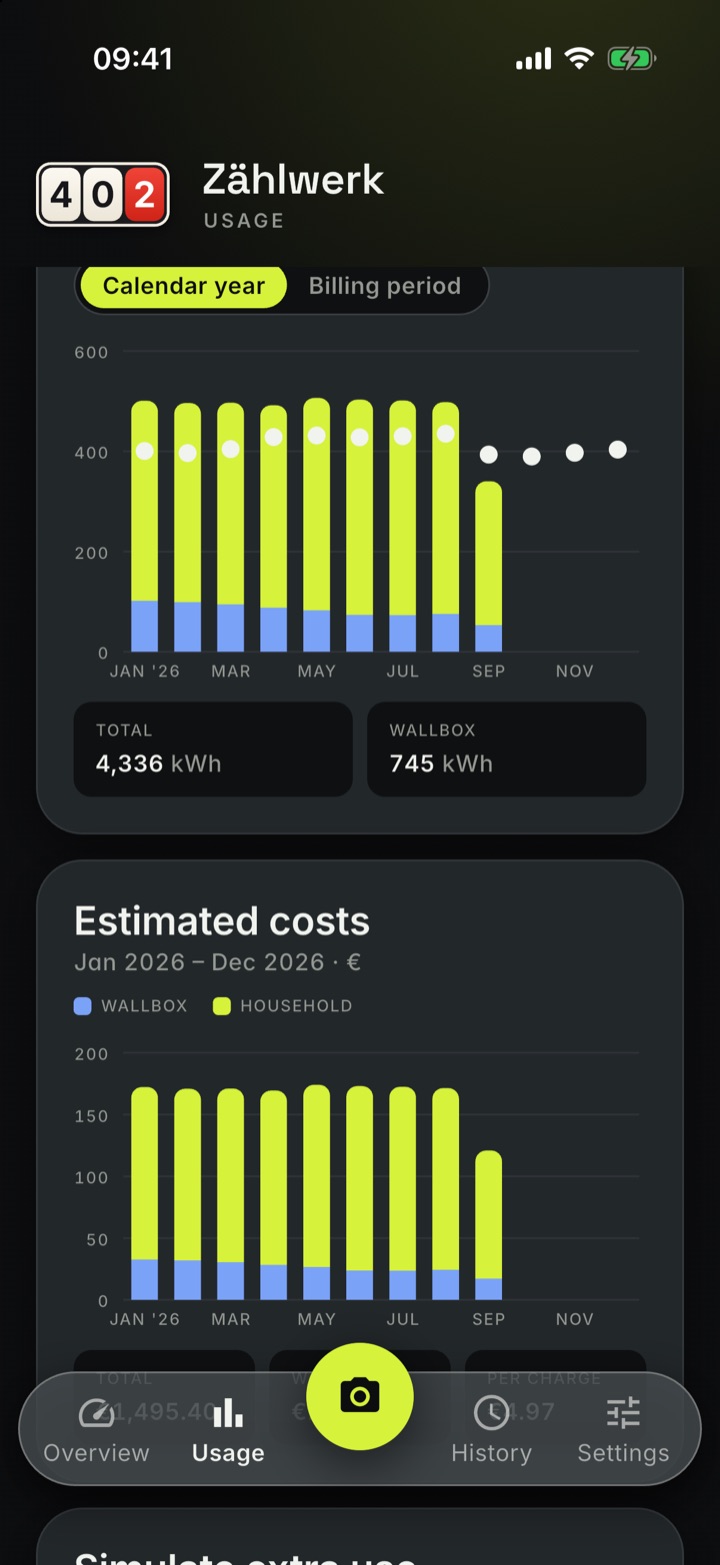
It works with your measured usage of the last twelve months, your prices per month and all twelve instalments of the billing year. After a full year of readings it is a good rough figure; before that the app marks the amount as uncertain. What your supplier charges is decided by their bill.
What happens when I change phones?
Export the backup zip, import it on the new device — complete, including all photos. Switching between iPhone and Android works the same way.
Can I import old readings from a spreadsheet?
Yes, via CSV import in the settings under “Export/Import” → “Import data”. Download the template, enter your readings in Excel or Numbers and save them as CSV: Vorlage
(Deutsch) · Template
(English) · Modèle
(Français). The import creates meters and addresses that do not exist yet; readings that are already there are skipped.
What about several homes or a meter replacement?
Zählwerk manages any number of addresses with an address comparison of their own. When a meter is replaced, you join the old and the new meter cleanly — the history stays complete.